

A Little Guide to
Growing Together
Simple ways to connect, play, and care for your Mumuland companion.
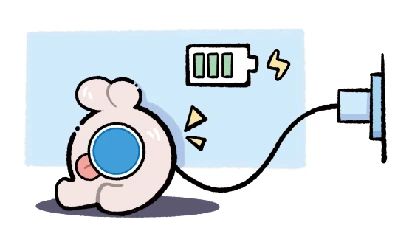
Charge Up
Use the Type-C port on the back. A full charge takes about 2 hours.
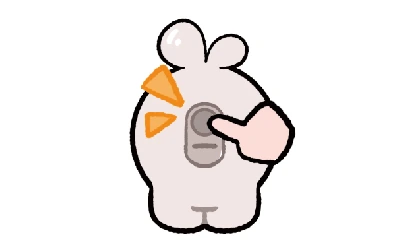
Power On
Press and hold the power button on the back until Mumu’s eye lights up.
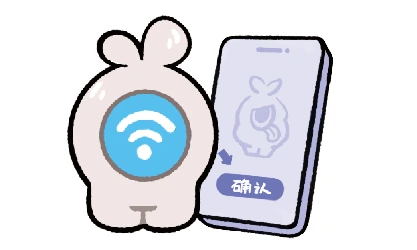
Get Connected
Open the mini program and follow the setup steps using 2.4 GHz Wi-Fi.

Say Hello
Start a conversation and share a little of your day.

Keep It Clean and Fluffy
Use the included brush to keep your companion looking its best.

Add Some Movement
Explore movement interactions with gentle handling.

Make a Friend
Bring two companions together for NFC friendship interactions.
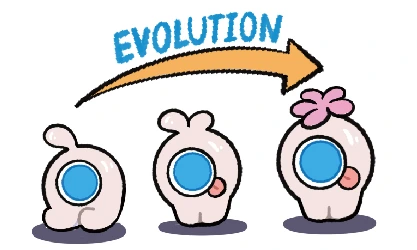
Grow Together
Check the mini program for daily tasks and growth rewards.

Build Your Bond
Interact more to earn intimacy points. The closer you get, the more Mumu remembers.
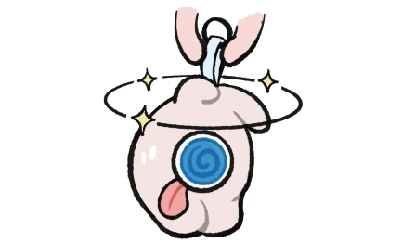
Feeling Dizzy?
A gentle shake can make Mumu feel dizzy.

Try a Voice Command
Try “Louder,” “Quieter,” “Brighter,” or “Darker.”
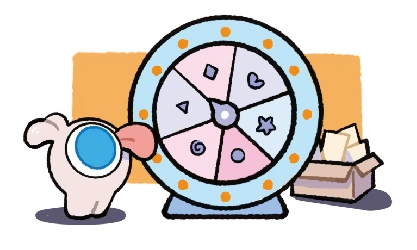
Try Your Luck
Take part in the in-app activity and see what you discover.
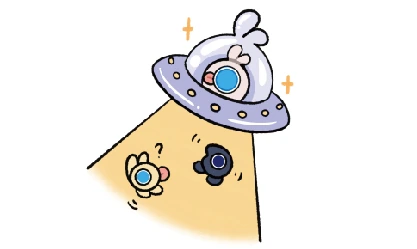
Meet More Friends
Discover social interactions and share the fun with other companions.
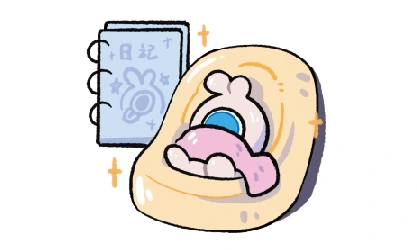
Keep a Little Diary
Save small moments and make your time together memorable.

Keep Exploring
Stay curious, keep interacting, and discover more of your companion’s personality.